 Divengine Studio
Proof, not promises
Studio includes a complete test management module: from the plan to the last step result, with evidence, issues and a clear answer to the question that matters: which requirements are verified?
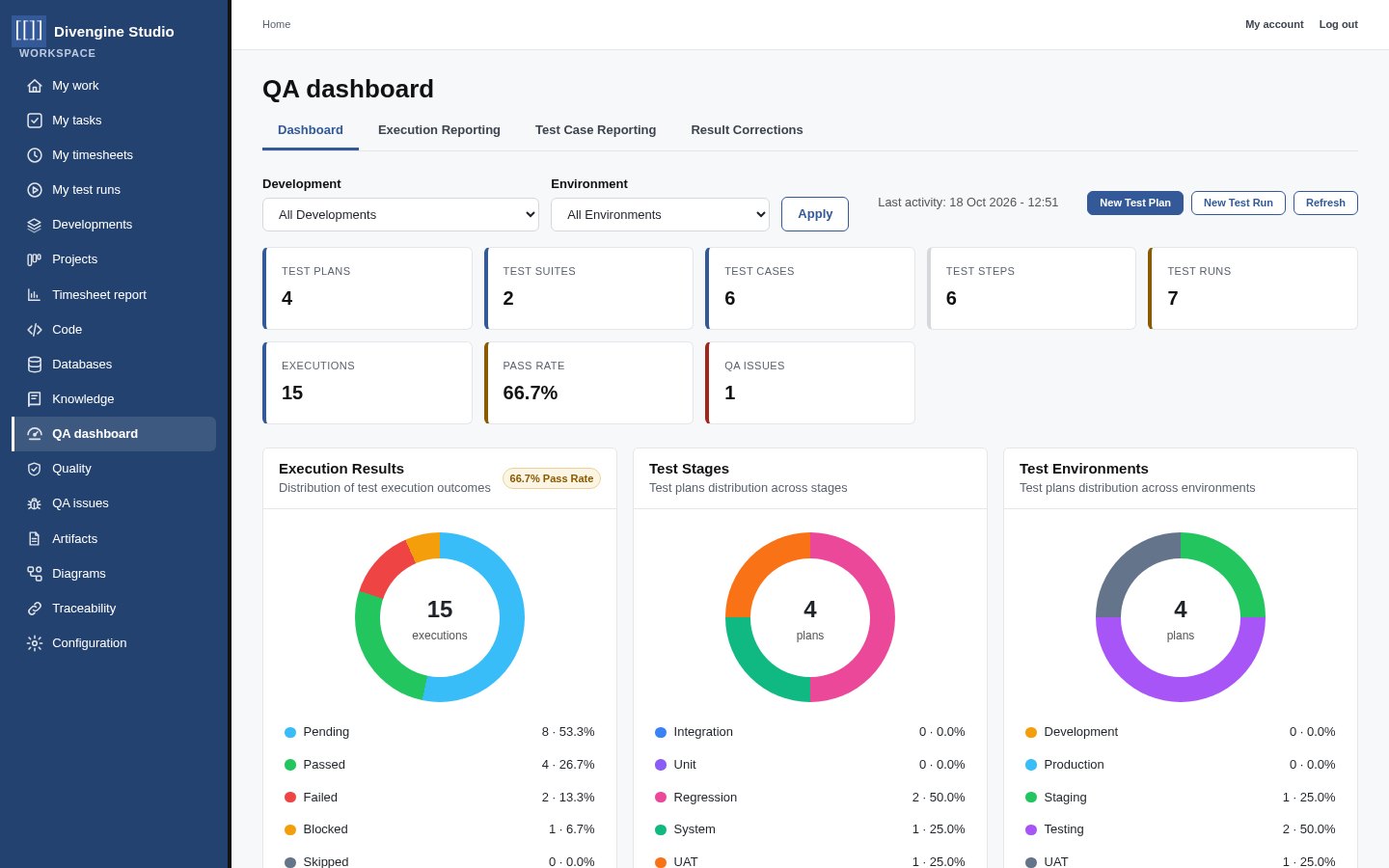
Plans, suites, cases and steps
A test plan says what you will test, for which Development, in which environment and stage. Suites organize cases; cases describe objective, preconditions, data and acceptance criteria; steps pair each action with its expected result.
- Cases go from draft to ready to obsolete
- Optional steps, ad hoc scenarios promoted into the plan
- Clone plans for the next release
Runs that freeze what was tested
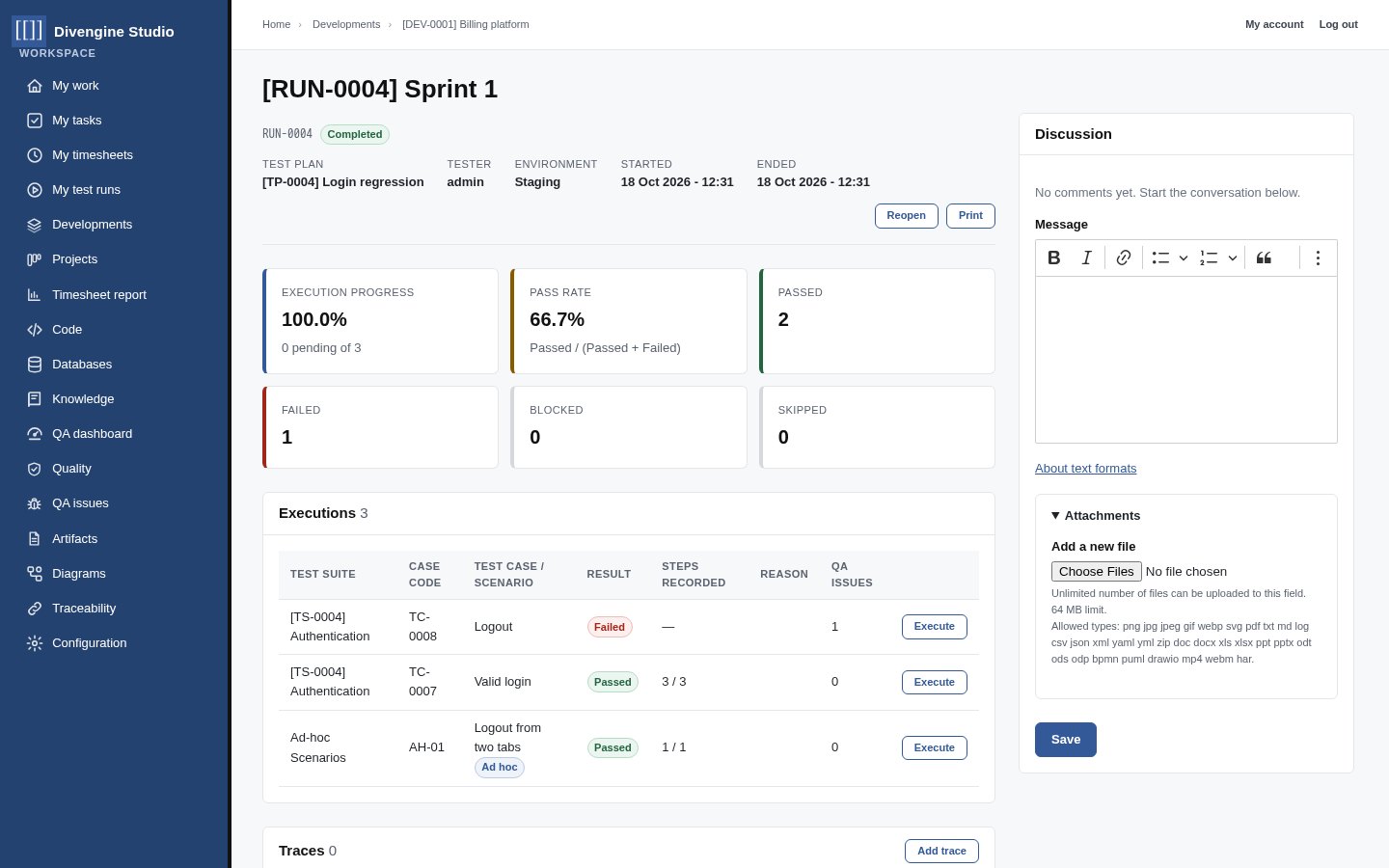
A run is one execution campaign by one tester. When it starts, Studio freezes a snapshot of the cases and steps, so editing the plan later never rewrites history. Testers go case by case, record each step, attach screenshots, logs or videos, and the run completes by itself.
- Evidence stored privately, never public
- Corrections of results are recorded, not overwritten
- Printable run and plan reports
From a failed step to a verified requirement
QA issues
Report a defect straight from the failing step, with its evidence, and follow it to closure.
Verifies
Link test cases to the requirements and use cases they verify, with explicit traces.
Readiness
Unverified requirements show up in the readiness of the Development.
Roles
QA User, Tester, Lead and Manager: everyone sees and does exactly their part.